
Production scheduling in Scout
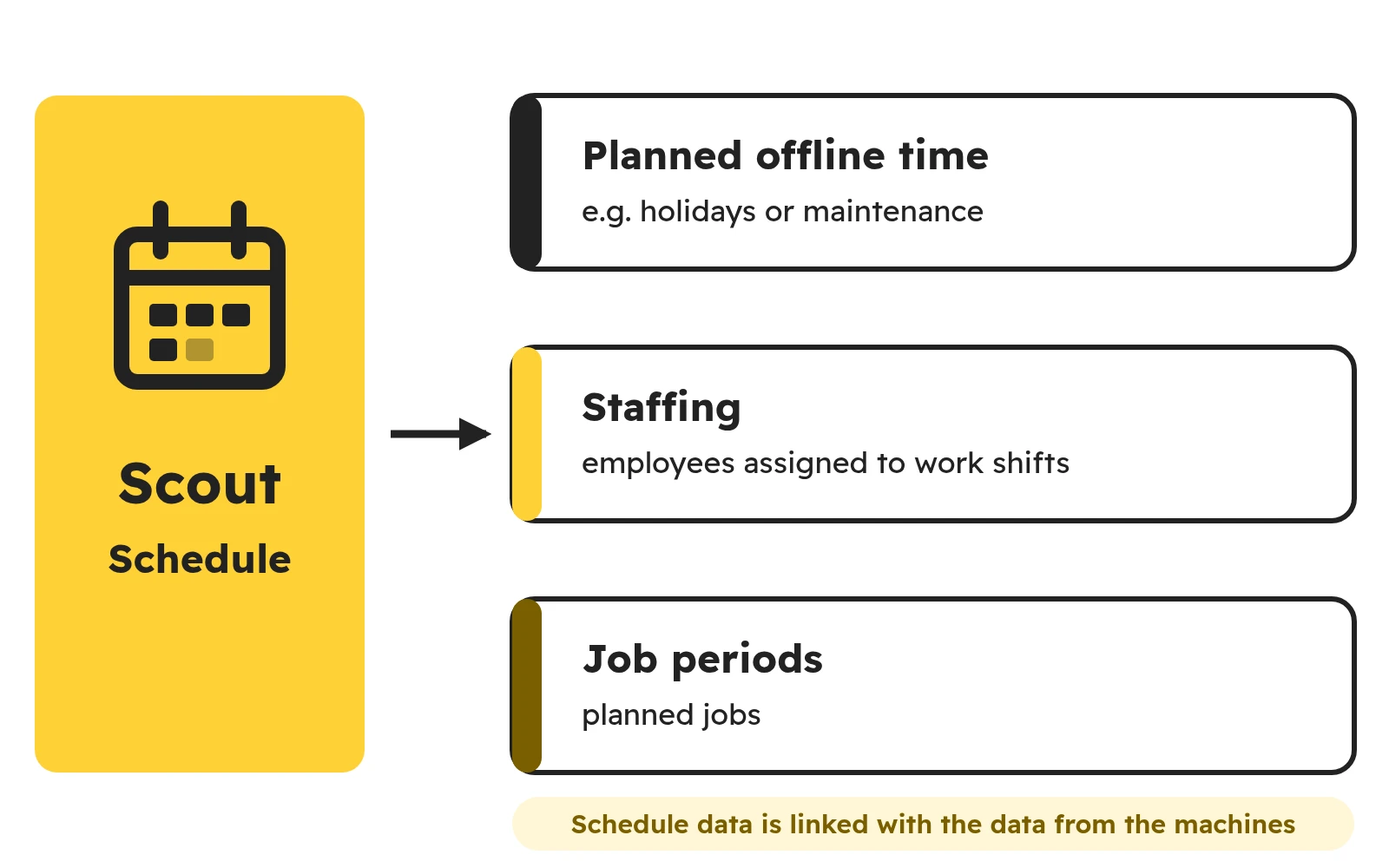
Production scheduling in Scout links your shift and job plan with data from the machines. With simple but effective scheduling you can easily manage production, set planned offline time (e.g. for holidays or maintenance), assign employees to work shifts and assign planned jobs.
Schedule data is linked with the data received from the machines, so business data and production data come together.
What does production scheduling in Scout cover?
In the schedule you enter three kinds of periods:
- planned offline time, e.g. holidays, maintenance or an unstaffed shift – this time does not lower the calculated machine efficiency,
- staffing, i.e. when employees work on which shifts,
- job periods.
You can adjust the types of entries to your company in the settings (Dropdown selects). You can also import planned offline time and staffing from an XLSX file instead of typing them in. The operator then selects jobs from the schedule in the operator panel, so the machine data is linked with a specific job straight away.
See what this data looks like in Scout in the demo account.