
Operator panel – the view for production staff
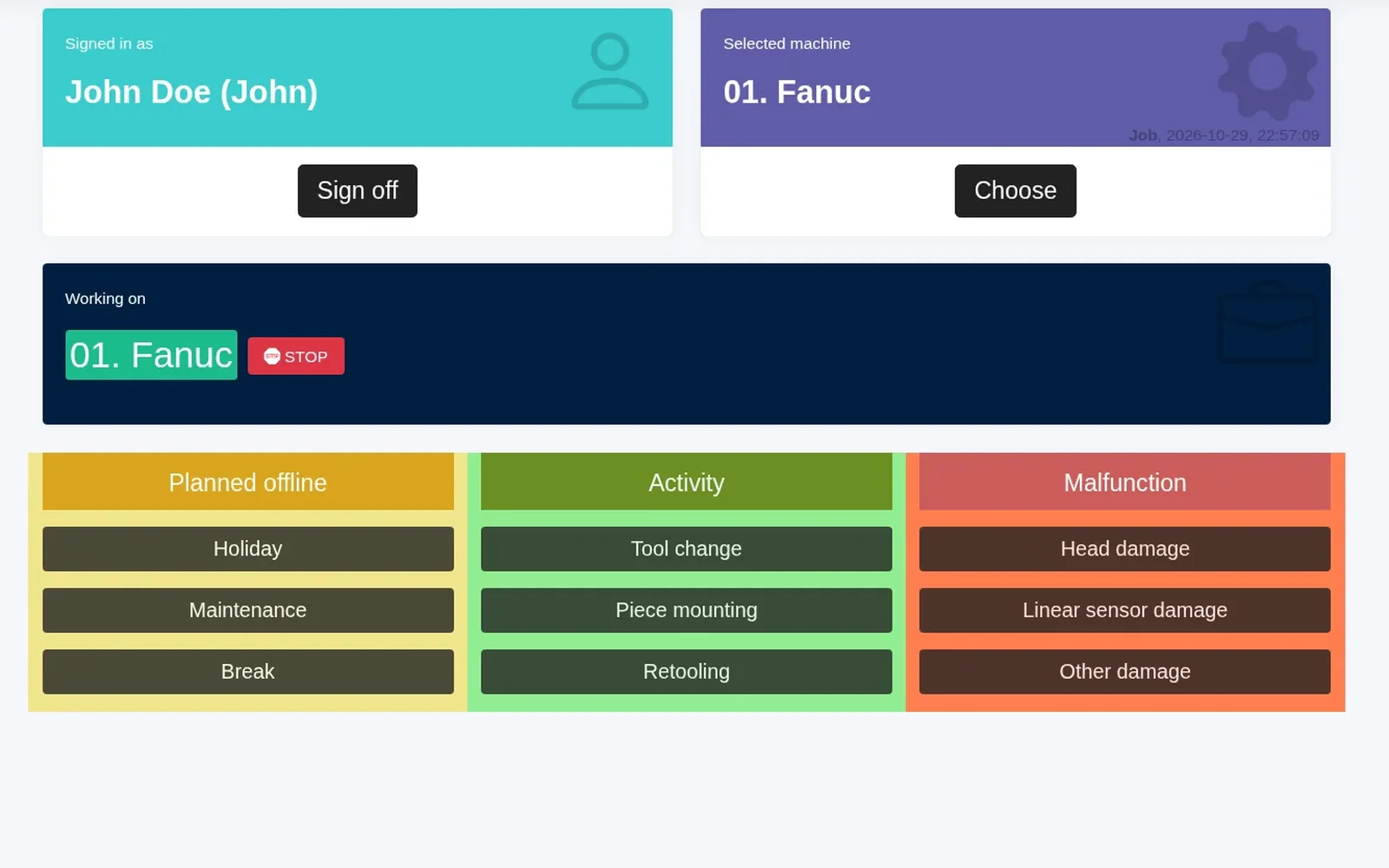
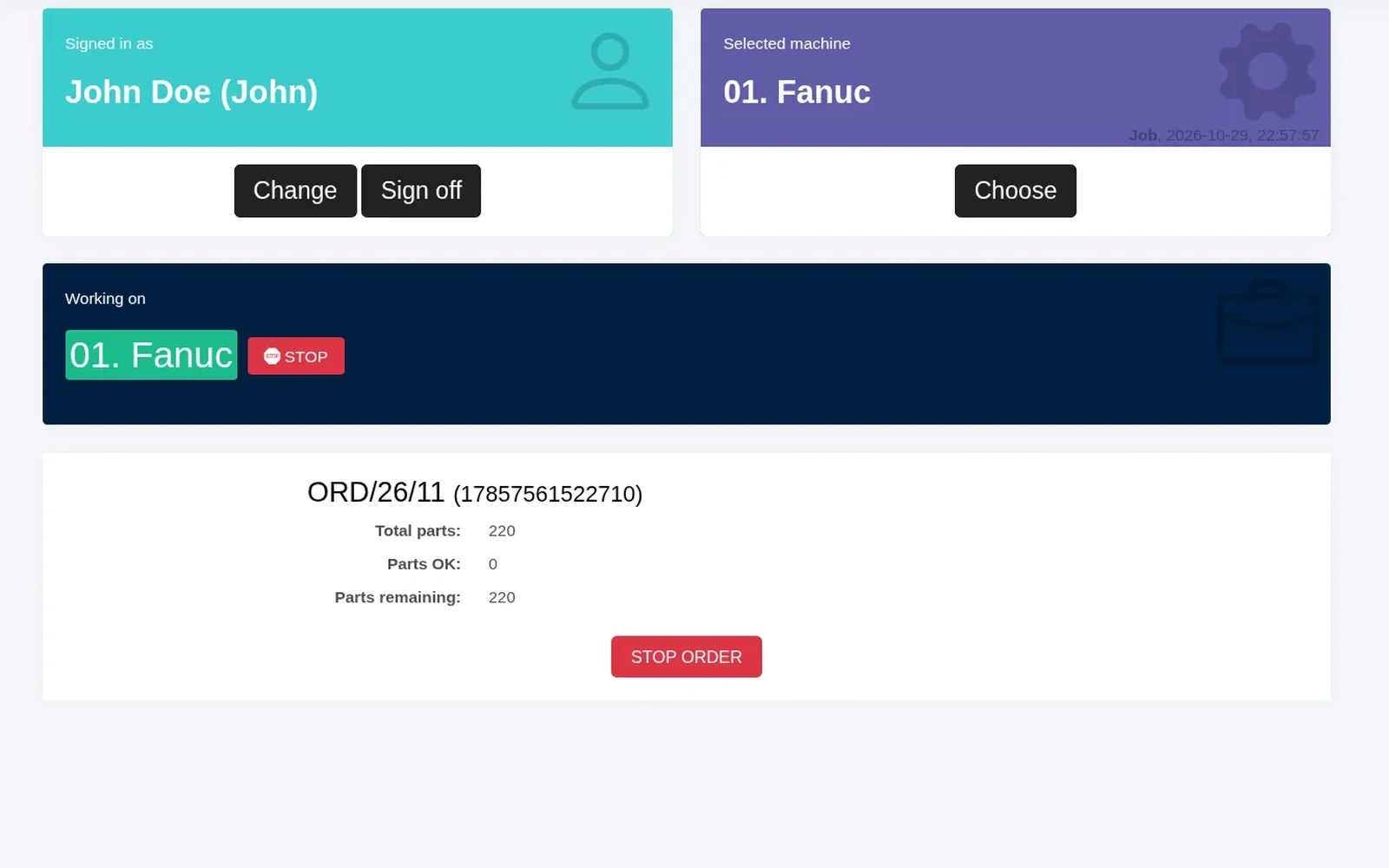
The operator panel in Scout is a set of views designed for machine operators to enter additional information about how production is going.
These easy-to-use views replace or complement solutions from external ERP systems. They also let you move away from paper, eliminating errors and making the information available in real time (not a few days later, when someone types it in).
Operator panel – what can the operator do?
The operator can:
- select the machine or machines they are working on
- mark a part as good (OK) or rejected (NOK)
- report planned offline time, operator activities and malfunctions with tiles; the groups and tiles are configured for your plant
- report a malfunction (the machine is then highlighted on the Home screen)
- select a job from the schedule or from ERP (after an ERP integration prepared for the customer’s system), or type it in
This input is combined with the data collected from the machines, for even better production monitoring.
The operator panel runs on a tablet or computer at the machine, in an up-to-date web browser (e.g. Chrome or Edge), over Wi-Fi or LAN. It can also be a rugged industrial panel.
Operators log in with a username and password, or pick their name from a list without a password. The operator can also be assigned to a machine from the schedule (planned staffing). You can also identify employees and jobs at the workstation with an RFID card or barcode, using any reader that works as a keyboard, or with Zebra network barcode scanners. Card or barcode login is configured for each deployment. The operator assignment can be integrated with your shop-floor reporting system during deployment. In one deployment, an external shop-floor reporting system sends the employee and the job, and Scout assigns them to the machine. Such an integration is prepared for the customer’s system during deployment. The groups and tiles can be edited, so they match what really happens on your shop floor.