
What Scout MES does for your production
The MES features in Scout are built on data collected automatically from your machines. You can only optimise production properly when machine operation is monitored reliably.
Scout helps you answer the key questions about production efficiency and how your machines work.
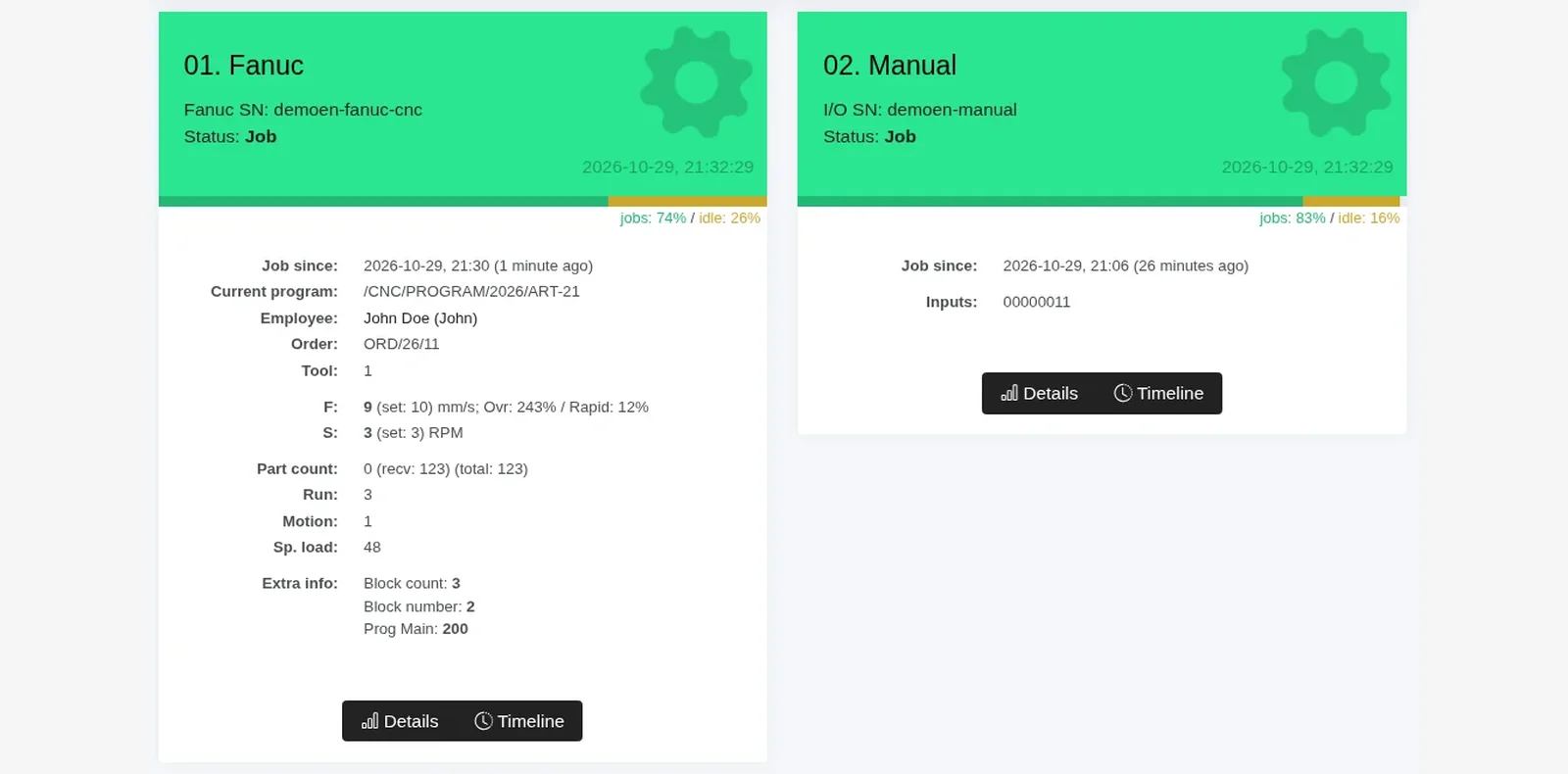
Machine monitoring
Real-time monitoring of production and all your machines. No electrical modifications for popular CNCs and PLCs.
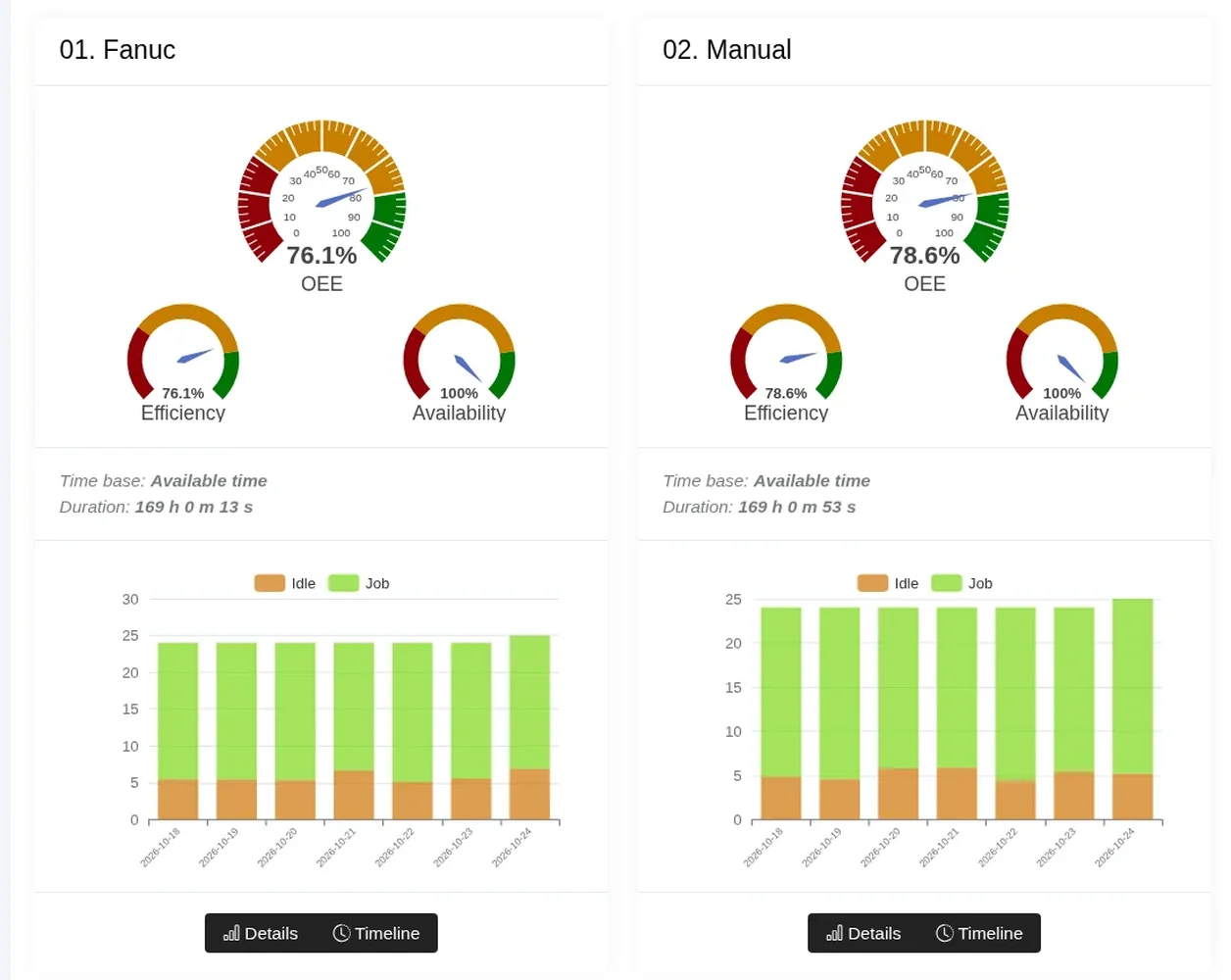
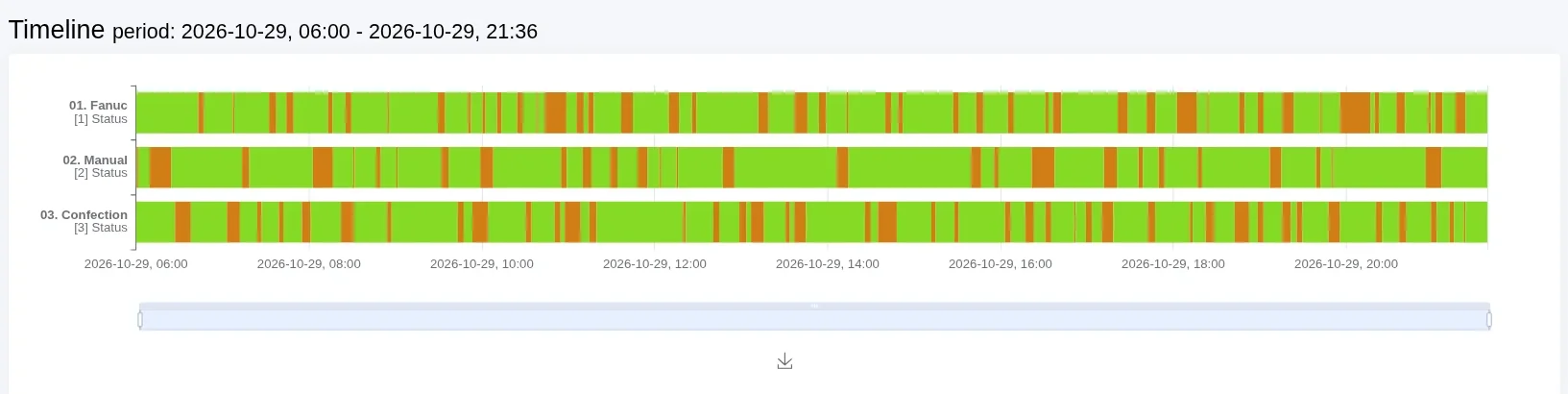
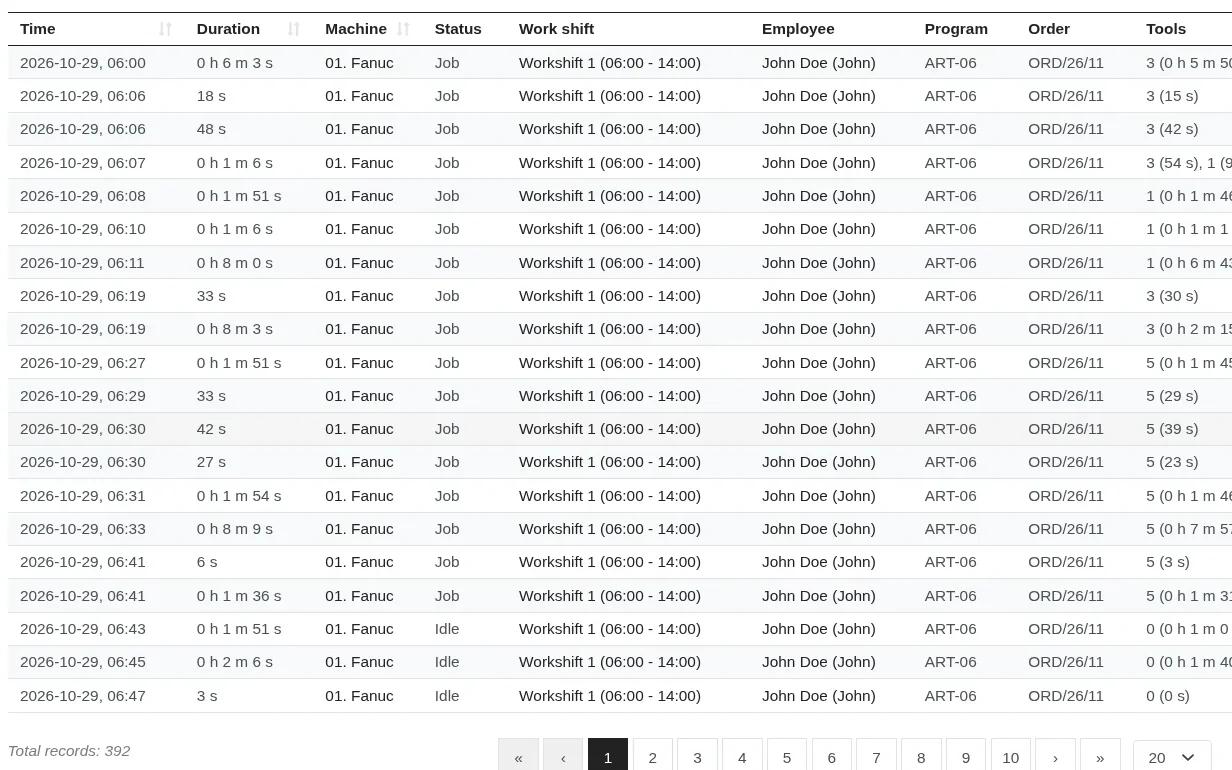
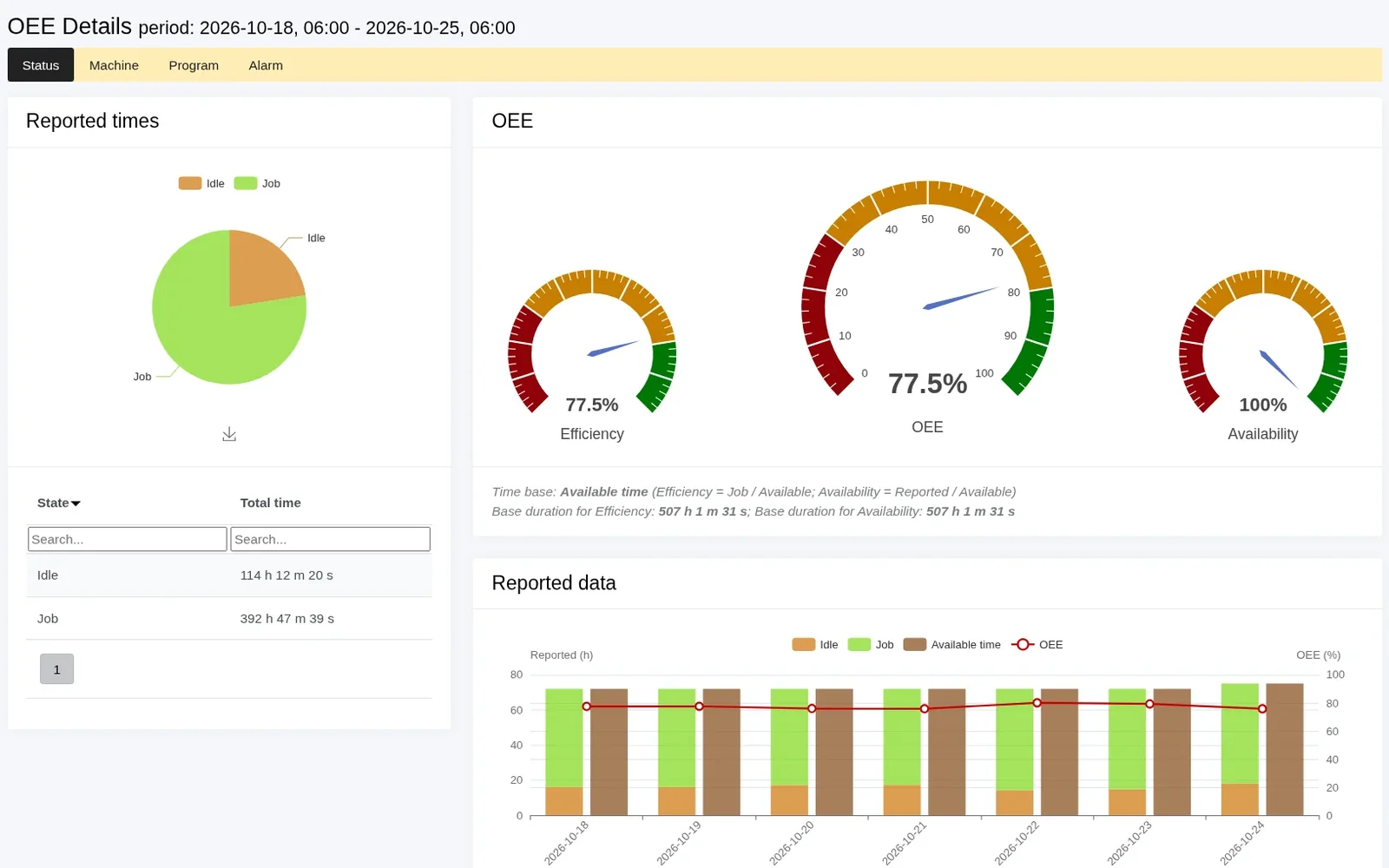
Production reports tailored to your company
Ready-made OEE and downtime reports. Scout can also send selected reports by e-mail on an agreed schedule. Tailoring is usually charged as additional work; we agree the scope and cost before we start.
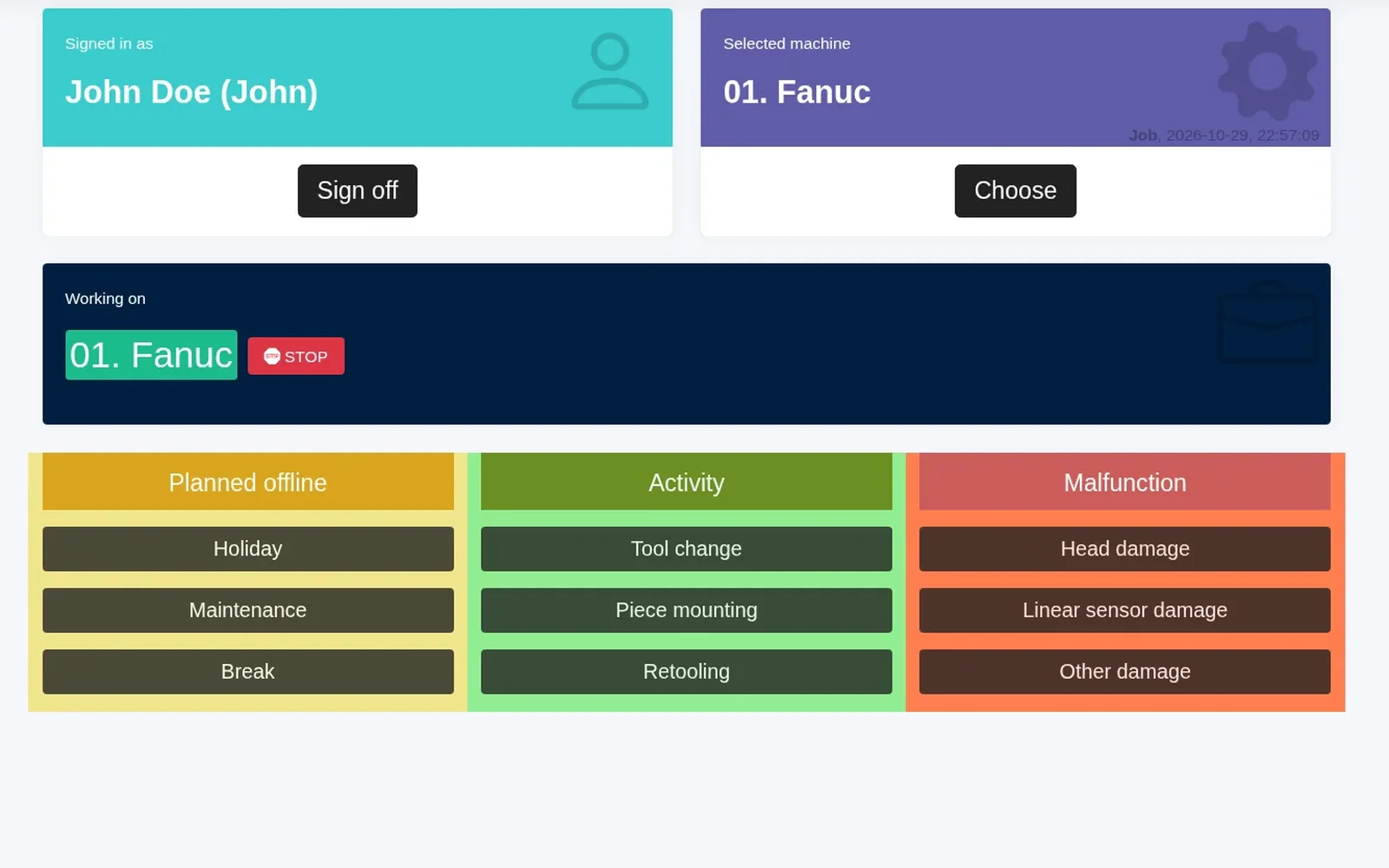
Operator panel
Better production control: Scout combines data from the machines with input from your operators.
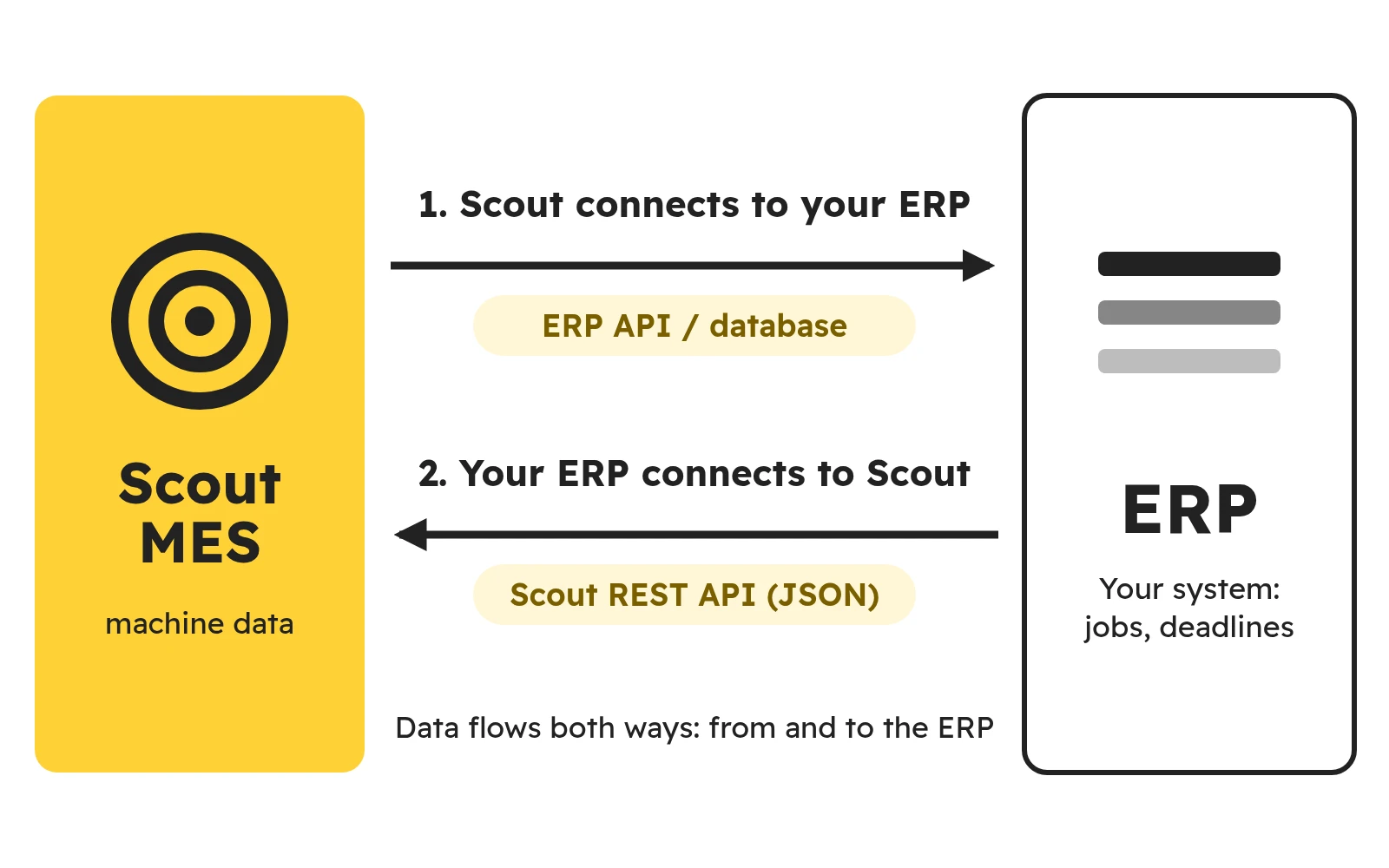
ERP integration and other systems
Scout connects to your ERP, or your ERP connects to Scout through our REST API (JSON). We prepare the integration individually for your system.

Additional features
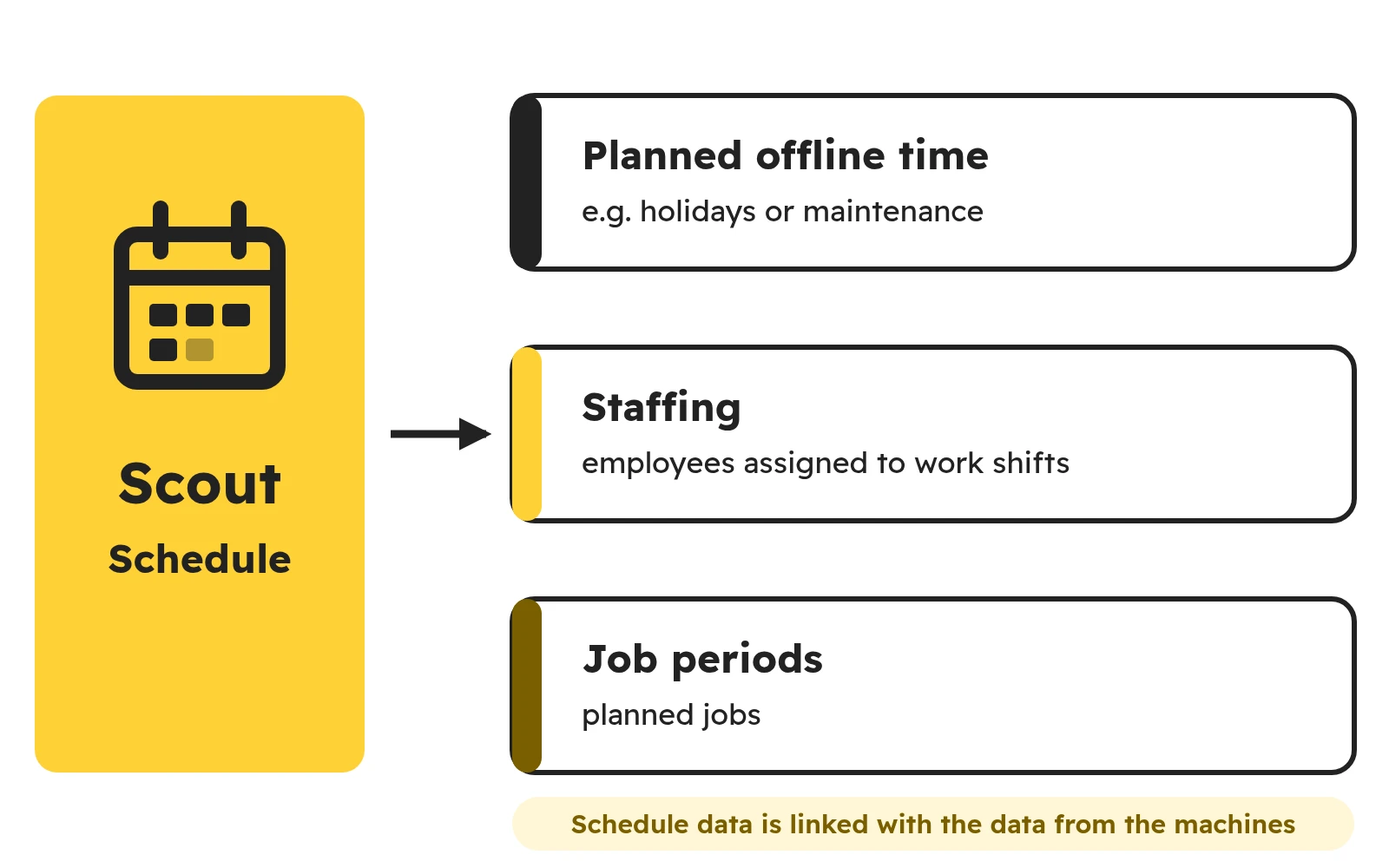
Identify employees and jobs at the workstation with an RFID card or barcode (configured for each deployment), SMS notifications and public pages that open without logging in.
Scout tailored to your company
We agree with you which data you need and set up reports, shifts and machine groups in your account. Everyone gets a ready view, from the shift supervisor to the board. Tailoring is usually charged as additional work; we agree the scope and cost before we start.
- Talking about your needs
- Configuration on our side
- Access for your team
- Changes when your company changes